


Best for
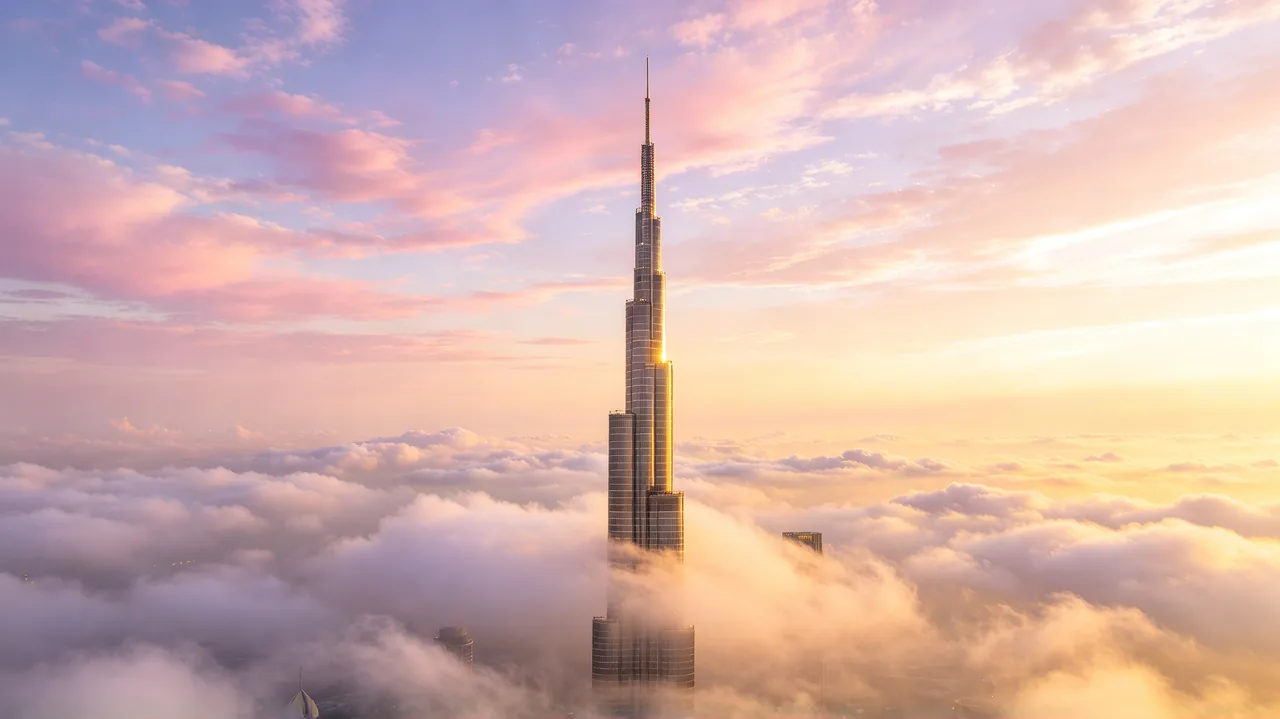
Multimodal model that builds cinematic sequences from text, image, video, and audio inputs, with multi-shot continuity.
Try this model Seedance 2.0Best for

Best for

Best for
Type: Text to video · Image to video
Albarza's tools are intuitive by design, making it easy to create standout animated clips and cinematic visuals. Whether you start from a prompt, your photos, or just something sketched out, these steps show how to turn it into finished video.
Your Image
Add the image you want to animate
 1
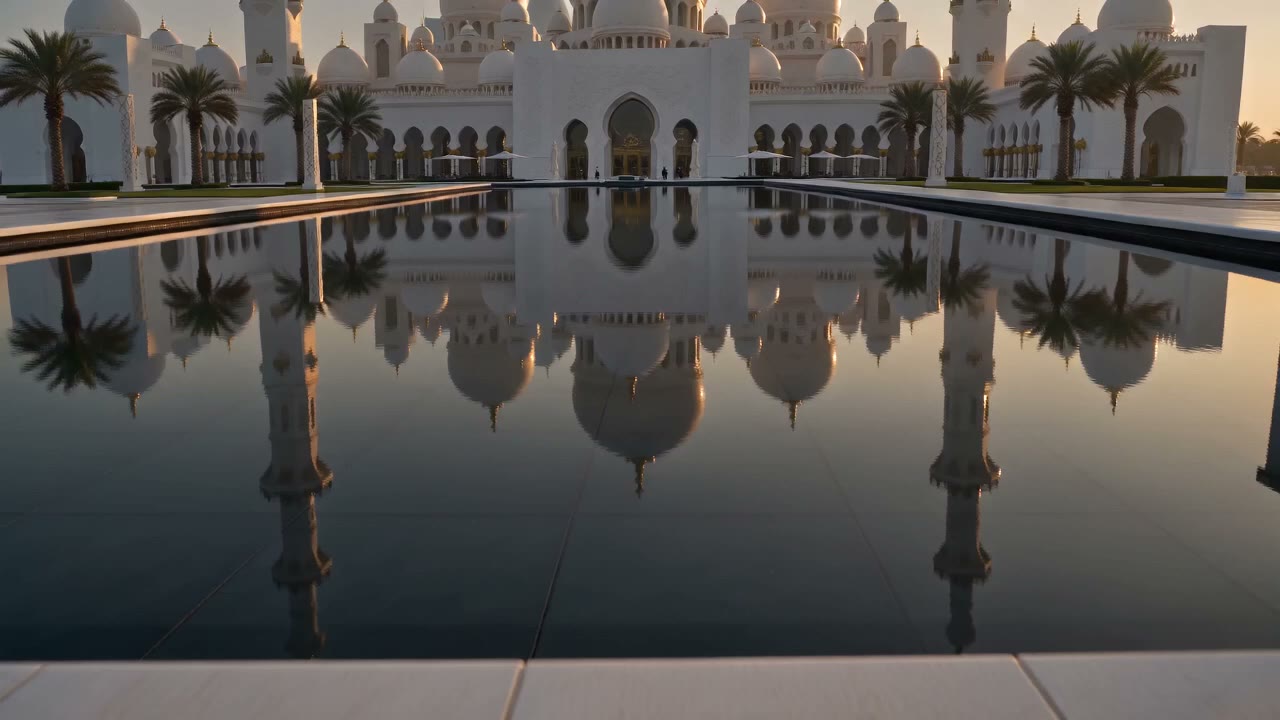
1Open the Albarza video tool, then choose to start from a prompt, a photo, or an idea, with optional reference images.
As the sun sets, a white dhow glides across the calm water while the skyline glows behind it in warm gold…
Pick an AI video model, then set your aspect ratio, resolution and duration, with optional start and end frames.
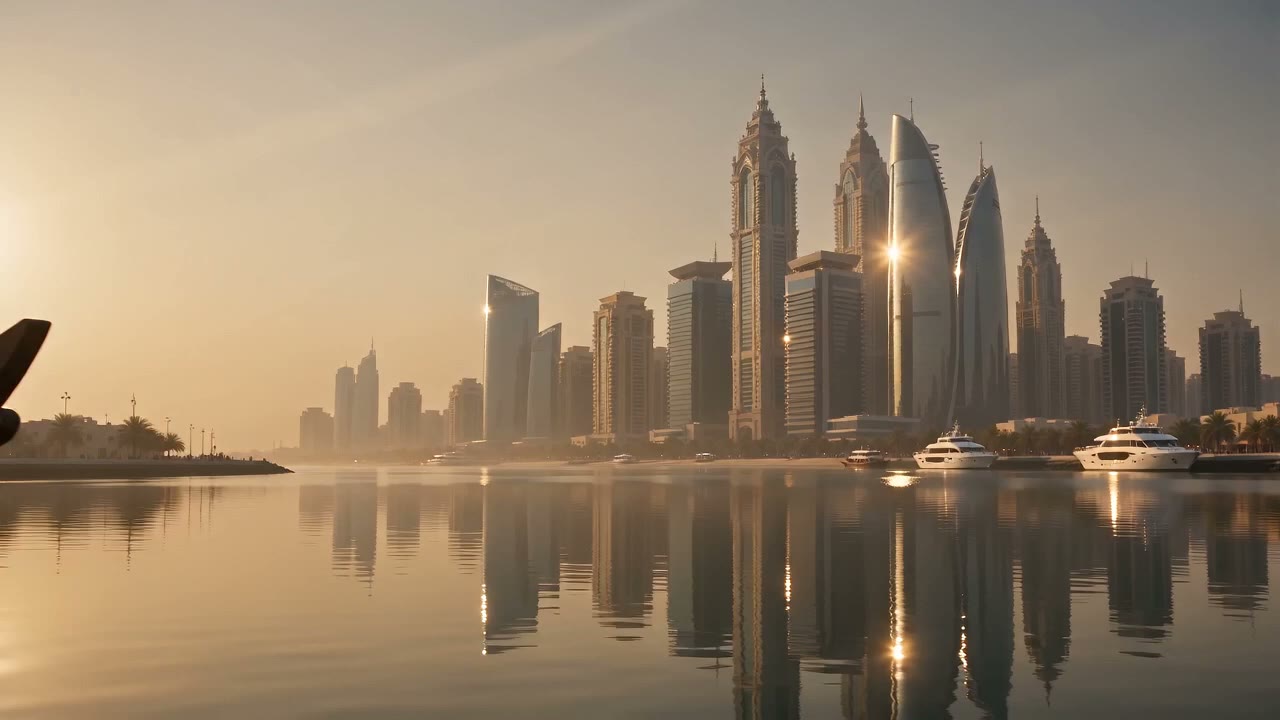 Seedance 2.0 · 10s · 1080p
Get your new video in seconds, download it or tweak the prompt a little and iterate until it's right.

Recreate trending clips or reimagine iconic scenes — the AI captures style, structure, and intent, so you skip hours of manual editing.

Guide every shot with reference images and camera controls — composition, motion, and detail stay exactly on brief.
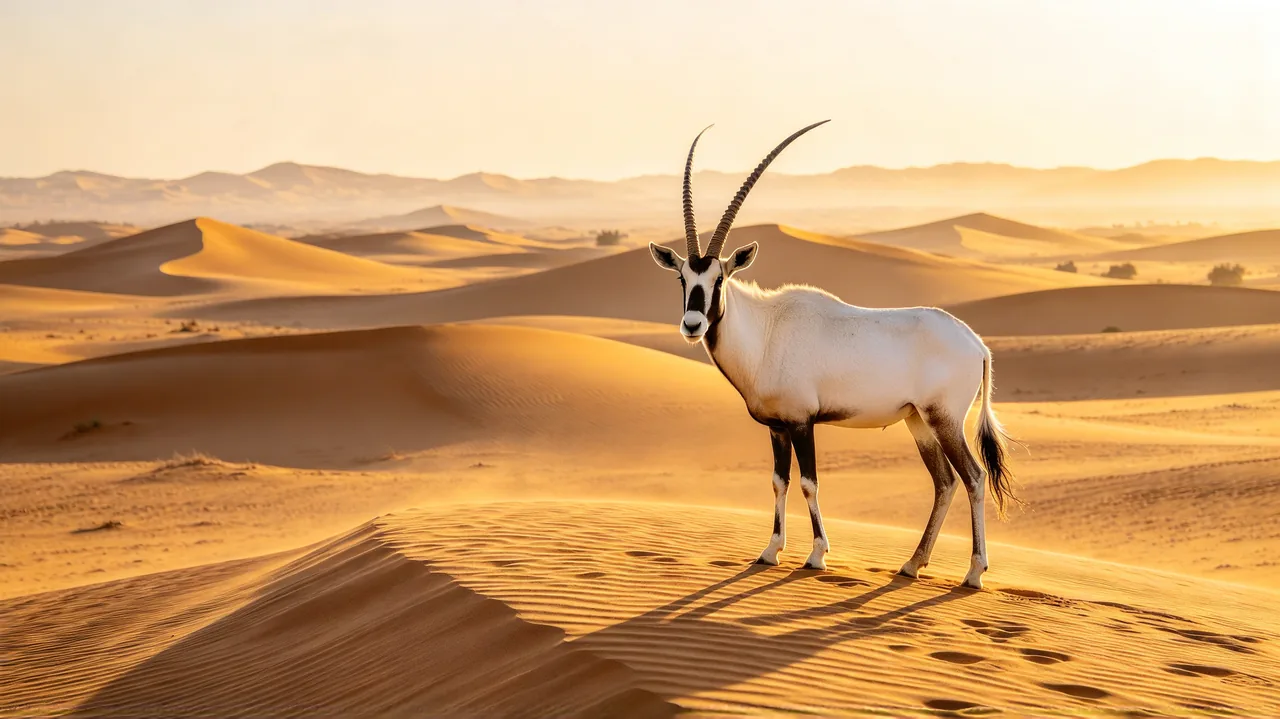
Cut between angles and scenes while your characters, products, and style stay consistent shot to shot.
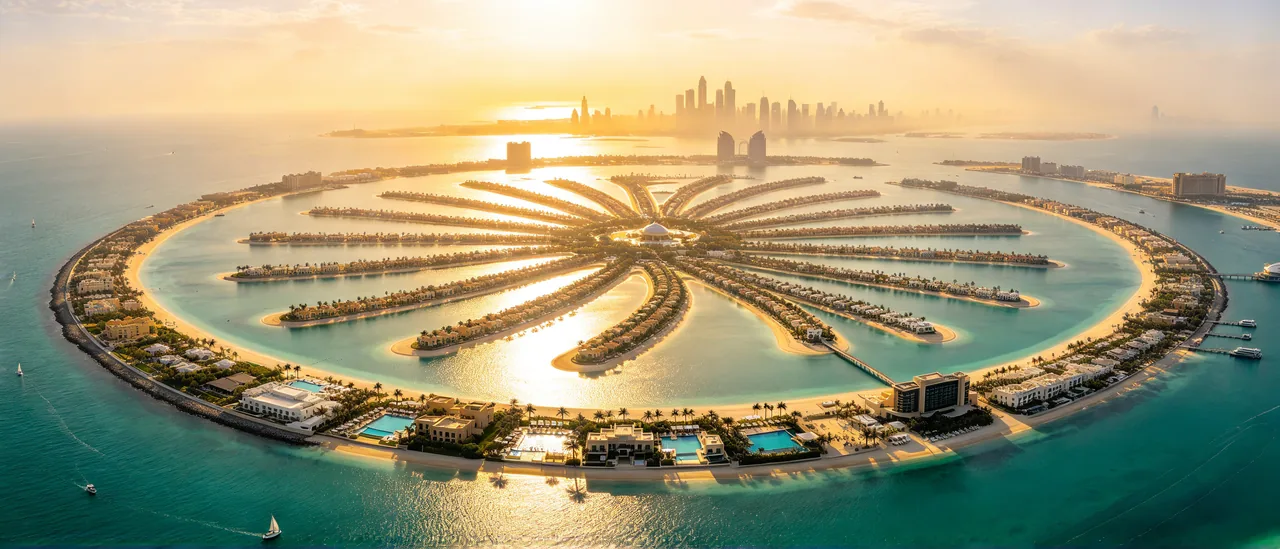
Create fast, dynamic action — chases, crowds, and sweeping camera moves — straight from a single prompt.
High-end text-to-video model focused on realism and storytelling, creating detailed scenes with smooth, coherent motion.
Enhanced Sora performance with higher visual fidelity, stronger consistency, and refined motion for production-ready results.
Cinematic text-to-video model designed for realistic detail, fluid motion, and strong scene continuity.
A faster Veo experience built for quick ideation and iteration, with reduced generation time.
Generate continuous 30-second scenes from text, image, video, and audio references with auto-synced sound.
Kling's flagship model with true-to-life physics, multi-shot continuity, and synced audio.
Cinematic Kling model with native audio, precise prompt control, and expressive character performance.
Versatile text-to-video model delivering dynamic visuals, strong prompt understanding, and smooth motion.
Albarza's AI Video Generator turns text prompts and images into short video clips and lets you compare multiple video models in one workspace. Start with a clear brief, generate a first result, and refine the detail that needs improvement.
Upload a photo or choose an image from your previous sessions, add a text prompt, adjust your settings, and click Generate. You can control the start and end frames of each clip. A short, specific prompt is usually enough for a clean first result.
Yes, as long as they comply with Albarza's Terms of Use and UAE law. Use cases include client work, social media content, ads, and marketing campaigns.
You keep full rights to the videos you create. You are free to use, modify, distribute, and monetize them, subject to the License and Terms of Use. Albarza does not claim ownership of your generated content.
No. Albarza does not use your prompts, uploads, or generated videos to train AI models. All outputs are private and protected under strict security standards and the UAE PDPL.
The model picker includes Seedance, Veo, Kling, Wan, Sora, and others. Compare duration, resolution, audio support, and credit cost, then test the same brief in two models.
Describe the subject, action, setting, shot size, camera movement, and lighting. Example: “A red bicycle rolls along a coastal road at sunrise; steady side-tracking shot, soft golden light.” Review the clip and revise the detail that missed your intent.
Yes. Add the photo as Start Image in the Video workspace, describe the subject's movement and camera direction, and choose a model. Review the preview and settings before generating.
Albarza shows the credit cost before you generate. Select the model and settings, review the displayed amount, and confirm. Prices are in AED, inclusive of VAT.
Use the same short prompt, aspect ratio, and source image in two models. Compare motion quality, subject consistency, audio support, duration, resolution, and cost. Choose the output that fits the final channel.